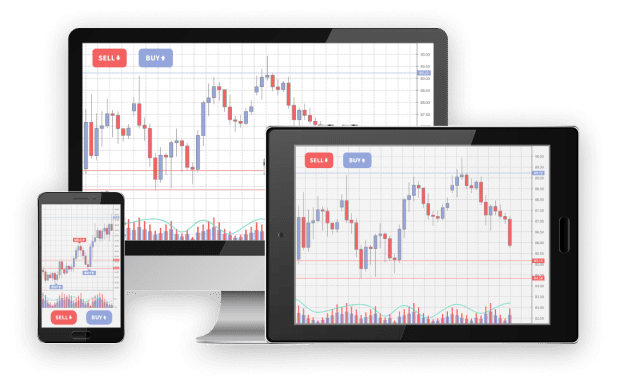
The mt4 trading platform ranks among the most popular tools for traders worldwide. For beginners and seasoned professionals alike, understanding its features is crucial for effective trades. This step-by-step guide simplifies the navigation process, helping you maximize its potential.
Step 1: Setting Up Your Trading Account
Before you begin, you’ll need a trading account. To set it up, register with a broker, complete the verification process, and log in using the credentials provided. Once inside, familiarize yourself with the dashboard, as it features your trading tools, charts, and balance details.
Step 2: Understanding the User Interface
The platform’s interface can be segmented into three primary sections:
• Market Watch Window: Displays real-time price quotes for various currency pairs or instruments. Add or remove pairs by right-clicking within the window.
• Chart Window: This area visualizes price data. Customize timeframes (e.g., one hour, one day) and apply technical indicators for detailed analysis.
• Terminal Window: Located at the bottom, it provides updates on account balance, trade history, and ongoing trades.
Take your time to identify these sections as they serve distinct purposes for efficient trading.
Step 3: Placing a Trade
To place a trade, select your desired instrument in the Market Watch window. Right-click and choose “New Order.” Here, you’ll specify:
• Trade Volume: Decide the amount you wish to trade.
• Stop-Loss/Take-Profit Levels: Predefine limits to manage risk and secure profits.
• Order Type: Opt for “Market Execution” for immediate trades or “Pending Orders” for future execution under specific conditions.
Confirm your input, and voilà—your first trade is live.
Step 4: Leveraging Technical Indicators
Technical indicators are key to informed decisions. Add indicators by selecting the “Insert” tab and choosing from options like Moving Averages or RSI. Customize these tools for insights into trends, momentum, or potential reversals.
Step 5: Monitoring and Managing Trades
Track active trades in the Terminal window. Adjust stop-loss or take-profit levels to respond to market conditions. If needed, close trades by right-clicking on the position and selecting “Close Order.”
Final Thoughts
Navigating the MT4 trading platform doesn’t have to be daunting. By following these steps, you’ll be equipped to execute trades, analyze markets, and manage your positions successfully. With practice, you’ll unlock its full potential.
Categories